
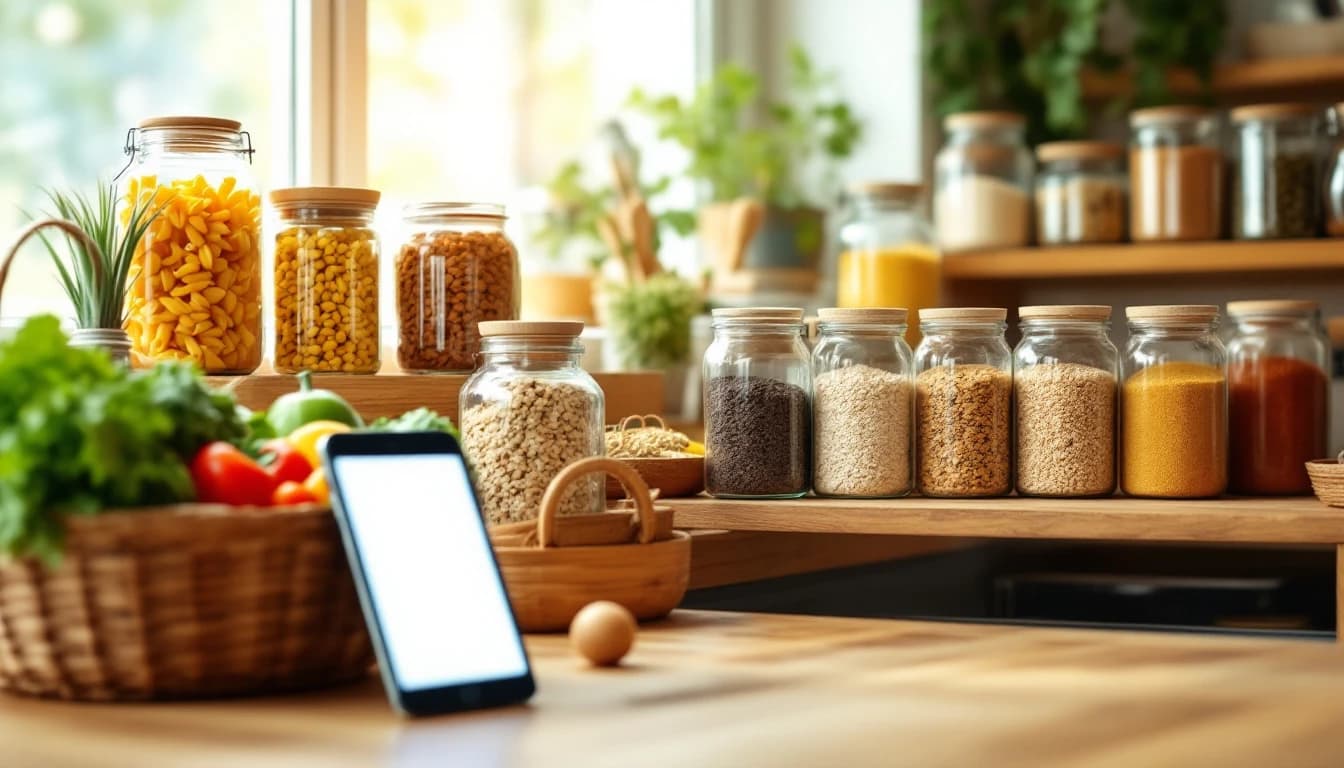
The 7 Best Pantry Meal Planning Apps in 2026 (Ranked & Compared)
Updated July 2026
A pantry meal planning app plans your week around the ingredients you already own, instead of handing you a recipe list that sends you shopping for everything. The payoff is real: UK waste charity WRAP estimates planned, pantry-aware shopping can cut household food waste by up to 20% — and the average household throws away hundreds of pounds of food a year. New to stocking a pantry? Start with our complete pantry staples list.
We compared seven leading apps — including our own, FoodiePrep (foodieprep.ai) — using official documentation, App Store listings, pricing pages, published user reviews, and our direct product experience.
Disclosure: FoodiePrep is our app. It’s ranked here against the same criteria as every other app in this list, and we’ve noted honestly where competitors do things it doesn’t.
Pantry Meal Planning Apps at a Glance
| Rank | App | Best For | Standout Feature | Price |
|---|---|---|---|---|
| 1 | FoodiePrep | Pantry-aware planning + full plan-shop-cook workflow | AI that plans meals and flags what you already own | Free tier; Nutrition Pro subscription |
| 2 | Cooklist | Automatic pantry inventory | Builds inventory from store accounts and receipts | Free tier; paid upgrade |
| 3 | SuperCook | Free “what can I make right now?” | Instant recipe matching from a tick-list of ingredients | Free |
| 4 | KitchenPal | Barcode-based pantry tracking | Scan barcodes to log items and track stock | Free tier; paid upgrade |
| 5 | Samsung Food | Free all-rounder with a pantry feature | Huge recipe base + aisle-sorted lists | Free; premium AI tier |
| 6 | Paprika 3 | Manual control, one-time purchase | Powerful recipe importer with pantry list | One-time purchase per platform |
| 7 | MealBoard | iOS pantry + planning combo | Pantry, plans and groceries in one native app | One-time purchase (iOS) |
How We Compared
We scored each app on five criteria: how the pantry gets populated (typing, scanning, or automatic), whether the app actually plans meals from the pantry or just matches single recipes, shopping-list intelligence (does it know what you already have?), dietary personalisation, and price. We compared apps using official documentation, store listings, published reviews, and direct product experience — we have not run a formal multi-week test of every app.
1. FoodiePrep — Best Overall for Pantry-Aware Meal Planning
FoodiePrep is the only app in this list where the pantry feeds a complete plan-shop-cook workflow rather than a single feature. You add what you have by typing it in or pointing your camera at products or a shelf, and the app recognises items and adds them to your pantry.
From there, two things happen. First, FoodiePrep suggests recipes that use what you already have, so the “what can I cook tonight?” question starts from your shelves, not a random database. Second — and this is the part most apps miss — when a meal plan’s ingredients hit your shopping list, FoodiePrep checks them against your pantry and flags anything you already own, so you stop buying a third jar of cumin.
The planning itself is genuinely agentic: ask Chef Foodie to sort your week and it reads your stored dietary preferences and allergies, generates the plan, schedules the meals on your calendar, builds the aisle-sorted shopping list, and flags pantry items you already have — one request, whole workflow. In the UK, US, Canada, Australia and New Zealand, the finished list can be sent straight to a major supermarket’s online cart.
To be clear about what it doesn’t do: the pantry is user-curated. FoodiePrep doesn’t scan receipts or deduct ingredients as you cook — if you want automatic inventory, Cooklist (below) is stronger on that one dimension.
Pros: pantry connects to planning, shopping and cooking; camera scanning; recipe import from anywhere (websites, TikTok, Instagram, YouTube, photos); supermarket cart hand-off. Cons: no automatic inventory tracking; unlimited AI planning needs the Nutrition Pro subscription. Price: free Taster tier (recipe saving, recipe books, basic meal planning, store links); Nutrition Pro for unlimited AI plans. Get it: iOS · Android · Web
2. Cooklist — Best Automatic Pantry Inventory
Cooklist’s headline trick is building your pantry for you: connect a supermarket loyalty account or scan receipts and it populates your inventory automatically, then matches it against recipes you can cook right now. For households that shop at supported US stores, it’s the lowest-effort inventory in this list.
Its recipe matching is strong, and picking a recipe adds only the missing ingredients to your shopping list. The trade-offs: meal planning is lighter than inventory management, store connections are US-centric, and the best features sit in the paid tier.
Best for: US shoppers who want the pantry to fill itself.
3. SuperCook — Best Free “What Can I Make Right Now?”
SuperCook is the classic ingredient-to-recipe matcher: tick off what you have (or dictate it), and it instantly surfaces recipes you can make with zero extra shopping, pulling from thousands of recipe sites. It’s completely free, which makes it the obvious first stop if you just want dinner ideas from a bare cupboard tonight.
What it isn’t is a planner — there’s no weekly calendar, no dietary profile depth, no pantry-aware shopping list. Think of it as a brilliant single-question tool: “what can I make right now?”
Best for: instant, free answers with no inventory upkeep.
4. KitchenPal — Best Barcode Pantry Tracking
KitchenPal (iCuisto) centres on the inventory itself: scan barcodes or add items manually, track quantities across pantry, fridge and freezer, and get recipe suggestions based on what’s in stock. Its shopping list can ignore ingredients you already have — the same duplicate-avoidance idea FoodiePrep applies, driven here by a more manually maintained stock count.
The recipe and planning layers are thinner than the dedicated planners in this list, and keeping quantities accurate takes discipline.
Best for: households that want a genuine stock-tracking system.
5. Samsung Food — Best Free All-Rounder With a Pantry Feature
Samsung Food (formerly Whisk) wraps a very large recipe database, recipe saving, meal planning and aisle-sorted grocery lists into a genuinely capable free app, with a pantry feature that feeds recipe recommendations. If you have Samsung appliances it integrates with them too.
The pantry is a feature rather than the core: it informs suggestions, but the app doesn’t plan your week around clearing your shelves, and the smartest AI features have moved into a premium tier. It can also feel like a big generalist platform rather than a focused tool.
Best for: a free, do-everything app where pantry awareness is a bonus.
6. Paprika 3 — Best for Manual Control (One-Time Purchase)
Paprika is the veteran recipe organiser, and its pantry is exactly what a veteran organiser would build: a manual list you maintain, tied into grocery lists so you know what’s in stock when you plan. Its recipe importer remains one of the best anywhere, and it’s a one-time purchase per platform — no subscription.
There’s no AI and no automation: Paprika won’t suggest what to cook from your pantry or plan your week. You do the thinking; it does the filing.
Best for: recipe collectors who want full manual control without a subscription.
7. MealBoard — Best iOS-Only Pantry + Planning Combo
MealBoard packs pantry management, meal planning and grocery lists into one iOS app for a single one-time price. Plan meals on the calendar and it generates a grocery list that respects your pantry stock — a genuinely complete loop, in a dense, utilitarian interface.
It’s iPhone/iPad only, the design shows its age, and there’s no AI assistance — everything is configured by hand.
Best for: iOS users who want the full loop for a one-off payment.
Notable Mentions
MyFridgeFood — a free, ultra-simple web tool: tick common ingredients, get recipes. Less depth than SuperCook, faster than maintaining any inventory.
EmptyMyFridge — pantry tracking with an expiry-date focus: it highlights food about to go off and suggests recipes to rescue it.
Yummly — once a common pick thanks to its virtual-pantry search, but it went offline on 20 December 2024, so older lists that still recommend it are out of date.
Plan to Eat and AnyList — excellent family planners and shared grocery lists, but neither plans around a pantry; if shared lists matter more than pantry awareness, they’re the better fit.
How to Choose
- You want the pantry to drive your whole week (plan → shop → cook): FoodiePrep.
- You want the inventory to build itself and shop at US stores: Cooklist.
- You want a free answer tonight with no setup: SuperCook or MyFridgeFood.
- You want serious stock tracking: KitchenPal.
- You refuse to pay a subscription: Paprika 3 or MealBoard.
If you’re weighing pantry features against broader planning strength, our guide to the best meal planning apps in 2026 and our comparison of meal planning apps with built-in grocery lists cover the wider field.
Frequently Asked Questions
Is there an app that plans meals around what’s in my pantry?
Yes — FoodiePrep, Cooklist and SuperCook all plan or suggest meals from your pantry. FoodiePrep goes furthest: it suggests recipes using what you own, then flags pantry items on your shopping list so you don’t rebuy them. SuperCook is the best free option for instant suggestions without maintaining an inventory.
What’s the best free app for cooking with what you already have?
SuperCook — it’s completely free and matches recipes to your ingredients instantly. Tick off what’s in your kitchen and it shows recipes needing nothing extra. FoodiePrep’s free Taster tier adds pantry-aware recipe discovery inside a fuller planning app, and MyFridgeFood is a fast no-signup web option.
Do pantry apps automatically track what I use up?
Mostly no — nearly all pantry apps rely on you keeping the inventory current. Cooklist gets closest by importing purchases from connected store accounts and receipts. FoodiePrep’s pantry is deliberately user-curated: you add items by typing or camera-scanning, and the app flags duplicates at shopping time rather than pretending to know your exact stock.
How do pantry meal planning apps reduce food waste?
They point meals at ingredients you already own before those ingredients expire. Planning around your shelves means fewer forgotten jars and less duplicate buying — WRAP data suggests planned shopping alone can cut household food waste by up to 20%. Apps like EmptyMyFridge add expiry alerts; FoodiePrep attacks the duplicate-purchase side by flagging owned items on your list.
Can an app add pantry items from a photo?
Yes — FoodiePrep can add pantry items by pointing your camera at them. Aim your camera at a product or a shelf and the app recognises items and adds them to your pantry. KitchenPal takes the barcode route instead, scanning individual products to track quantities.
Ready to cook from your shelves instead of a shopping trip? Try FoodiePrep free — plan your week around what you already have. And if you’re starting from a “use it up” mindset, our guide to planning meals around what you already have pairs well with any app on this list.
Related reading
The 8 Best Meal Planning Apps With Grocery Lists (2026 Comparison)
A 2026 side-by-side comparison of the 8 best meal planning apps with built-in grocery lists — covering auto-updating shopping lists, pantry awareness, shared family access, and nutrition data.
The 10 Best Meal Planning Apps in 2026 (Ranked & Compared)
A 2026 ranking of the 10 best meal planning apps, covering pricing, family features, grocery-list automation, and nutrition tracking — so you can pick one that actually gets used week after week.
Automating Meal Planning and Grocery Budgeting with AI: A Practical, Money‑Smart Approach
Learn how AI can automate meal planning and grocery budgeting, helping you save time, reduce food waste, and keep weekly grocery spending predictable.