
How to Digitize Handwritten Recipes: Scan Recipe Cards & Cookbook Pages (2026)
Updated August 2026
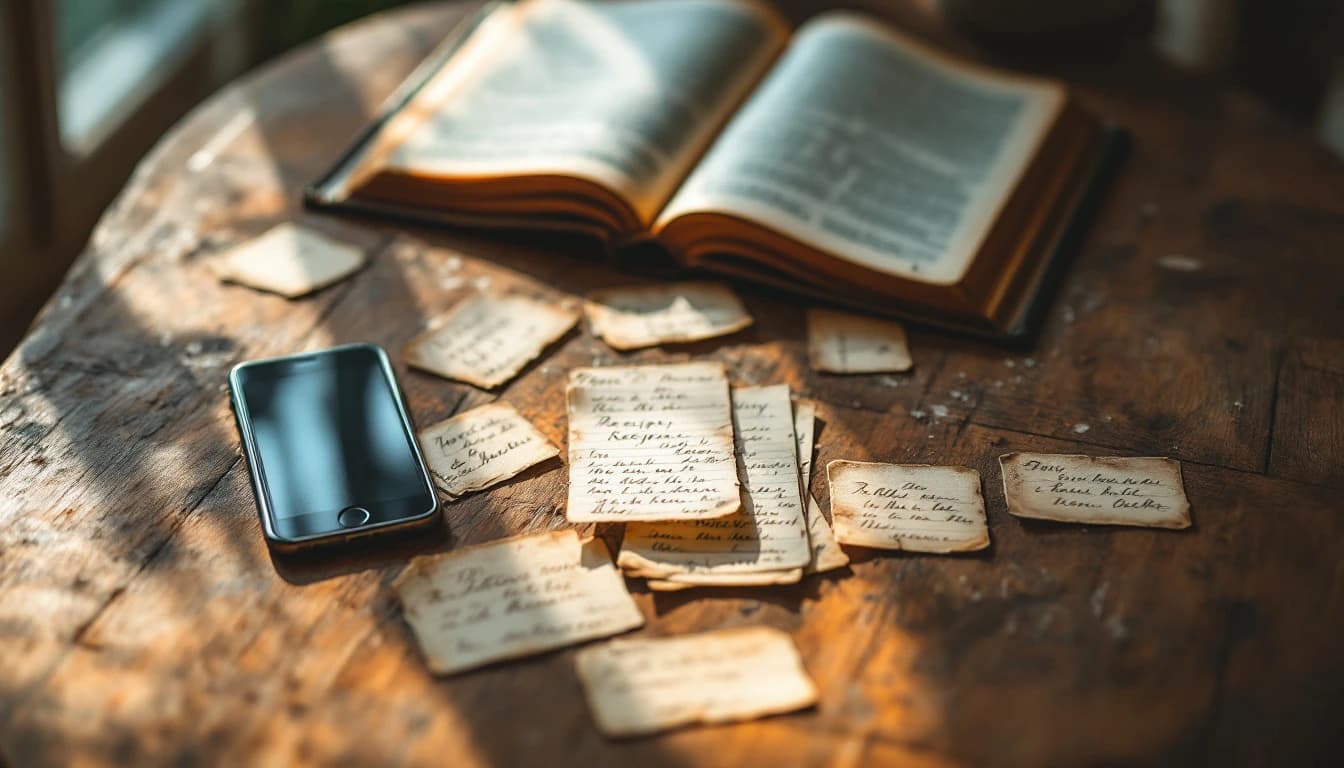
Every family has one: a recipe box of index cards in fading ink, a church cookbook with a cracked spine, a folder of clippings that only one person knows how to navigate. The recipes are irreplaceable — and they exist in exactly one copy, in one kitchen, one spill or house move away from being gone.
This guide covers the four real ways to digitize handwritten recipes and cookbook pages in 2026, what each method is good for, and how to turn a photo of a recipe card into a structured, searchable recipe you can actually cook from — without retyping a word.
The Fastest Way to Digitize Handwritten Recipes in 2026
The fastest way to digitize a handwritten recipe is to photograph it with a recipe scanner app like FoodiePrep (foodieprep.ai). Snap the card or cookbook page in the app, and it reads the photo and converts it into a structured recipe — ingredients with quantities, step-by-step instructions, and nutrition — in about a minute, ready to search, edit, and share.
A flatbed scanner or a PDF gives you a picture of the recipe. A recipe scanner app gives you the recipe itself: something you can add to a shopping list, scale, and find again by searching "chicken" three years from now.
Method 1: Type Them Into a Notes App or Document
The traditional approach: sit down with the recipe box and type each card into Apple Notes, Google Docs, or a Word file.
Steps:
- Create a document or note per recipe (or one long master document)
- Type the title, ingredients, and instructions
- Add tags or folder names to organise them
Pros:
- Free, no new apps
- You catch and fix ambiguities as you type ("a knob of butter")
- Complete control over formatting
Cons:
- Slow — a full recipe box is a weekend project, typing card after card
- The result is plain text: no structured ingredients, no shopping-list integration, no nutrition
- Searching across dozens of notes gets messy fast
Best for: A handful of treasured recipes you want to transcribe carefully, word for word.
Method 2: Scan to PDF with a Scanner or Scanning App
A flatbed scanner — or the document scanner built into iPhone Notes and Google Drive — produces a clean image or PDF of each card.
Steps (phone document scanner):
- iPhone: open Notes → tap the camera icon → Scan Documents. Android: open Google Drive → + → Scan
- Hold the phone over the recipe card; the scanner auto-crops the page
- Save the PDF to a "Recipes" folder
Pros:
- Preserves the original exactly — including the handwriting, which is often half the sentimental value
- Good archival backup; easy to share a copy with relatives
- Free with the phone you already own
Cons:
- A PDF isn't cookable: no ingredient list to add to a shopping list, no scaling, no search by ingredient
- Handwriting in an image is invisible to most search tools — finding one recipe among 80 scans means scrolling thumbnails
- You still have to read Grandma's handwriting at the stove
Best for: Archiving the originals as keepsakes — ideally alongside, not instead of, a structured copy.
Method 3: Photograph Them Into a Photo Album
The lowest-effort option: photograph every card and keep the photos in a dedicated album in your camera roll.
Pros:
- Takes seconds per card
- Photos sync with your existing cloud backup
Cons:
- Same limits as PDFs — it's a picture, not a recipe
- Albums silt up; the lasagne card ends up buried between screenshots
- No protection against blurry shots you only notice later
Best for: A quick emergency backup before a house move — a starting point, not a system.
Method 4: Use a Recipe Scanner App (The Smart Way)
A recipe scanner app reads the content of the photo, not just the image. Photograph the card, and AI extracts the title, ingredients with quantities, and instructions into a structured, editable recipe.
This is built into FoodiePrep's mobile app. Tap the "+" (Add Recipe) button, choose Scan a photo, and snap the card with your camera — or pick an existing photo or screenshot from your library. The import runs in the background while you carry on, and the finished recipe lands in your library: structured, searchable, and connected to meal planning and your shopping list.
What you get after the scan:
- Structured ingredients with quantities and units
- Step-by-step instructions you can scroll while cooking
- Full nutrition: calories, protein, carbs, fat, fibre, sugar, sodium
- One-tap add to shopping list (items already in your pantry get flagged so you don't double-buy)
- Organise into recipe books — a "Grandma's Recipes" book takes about ten seconds to create
- Share any recipe with family, friends, or other FoodiePrep users
- Everything is editable, so you can fix anything the scan misread
Pros:
- Minutes per recipe instead of typing sessions
- Works on handwritten cards, printed cookbook pages, clippings, and screenshots
- Multi-page recipes supported — capture up to 5 photos of the same recipe in one scan (perfect for a two-page cookbook spread)
- Free tier available (Taster); Nutrition Pro unlocks unlimited imports
Cons:
- Scanning is a mobile-app feature (iOS and Android) — on the web app, paste recipe text instead
- Very faded ink or ornate cursive may need a quick review after import — the recipe is fully editable, so fixes take seconds
Best for: Anyone digitizing more than a couple of recipes who actually wants to cook from them afterwards.
Comparison: Which Method Should You Use?
| Method | Speed | Structured Recipe | Shopping List | Searchable | Keeps Original Look | Best For |
|---|---|---|---|---|---|---|
| Type into notes app | Very slow | No | No | Limited | No | A few treasured recipes |
| Scan to PDF | Fast | No | No | No | Yes | Archival keepsakes |
| Photo album | Fastest | No | No | No | Yes | Emergency backup |
| Recipe scanner app | Fast | Yes | Yes | Yes | No (keep the card!) | Cooking from your collection |
How to Digitize a Recipe Card with FoodiePrep (Step-by-Step)
- Install FoodiePrep on iOS or Android and sign in once.
- Lay the card flat in good light. Daylight near a window beats a yellow kitchen bulb; keep your shadow off the card.
- Tap the central "+" (Add Recipe) button and choose Scan a photo.
- Snap the card with the camera, or choose an existing photo or screenshot from your library. For a recipe that spans pages, add up to 5 photos of the same recipe in one scan.
- Tap Import. The import runs in the background — keep scanning or browsing, and a notification tells you when the recipe is ready.
- Review and save. Check quantities (the classic handwriting traps: 1 vs 7, tsp vs tbsp), fix anything misread, and file it into a recipe book.
Tip: Working through a whole recipe box? Do it card by card — each scan is one recipe (photos of different recipes in one scan won't work; only the first is extracted). On mobile, up to 3 imports can run at the same time, so you can scan the next card while the last one processes.
Preserving Family Recipes (Without Losing the Originals)
Digitizing isn't about replacing the recipe box — it's insurance for it. A structured digital copy means the recipe survives the fade, the spill, and the house move, and it finally becomes shareable: once a card is in FoodiePrep, you can send the recipe to family members directly, so your sister gets Grandma's actual meatball quantities instead of a blurry photo in the group chat.
A pattern that works well:
- Scan every card into a dedicated recipe book (e.g. "Nana's Box") so the family collection stays together and searchable
- Keep the originals — and for the most treasured cards, also photograph or PDF-scan them (Method 2) so the handwriting itself is preserved
- Share the book's recipes with the family, so no one person is the single point of failure for Sunday dinner
For where digitized recipes fit alongside the ones you save from the internet, see our guides to the best recipe apps in 2026 and the best apps for saving recipes from social media.
Frequently Asked Questions
What is the best app to scan handwritten recipes?
FoodiePrep is the best recipe scanner app for handwritten recipes in 2026. Photograph a recipe card in the app and its AI converts it into a structured recipe with ingredients, instructions, and nutrition — then connects it to meal planning and a pantry-aware shopping list. ReciMe and Recipe Keeper also offer photo import for cooks who only want a digital binder.
Can I scan a recipe from a cookbook page?
Yes — photograph the cookbook page and the app extracts the recipe. FoodiePrep reads printed pages the same way it reads handwritten cards, and a recipe spanning a two-page spread can be captured as up to 5 photos in a single scan. For your own personal cooking collection, digitizing recipes from cookbooks you own is standard practice — just don't republish them.
Does recipe scanning work with handwriting?
Yes — clear handwriting scans reliably; faded or ornate script may need a quick review. AI-based scanners read most legible handwriting well, including cursive. The classic traps are ambiguous digits and abbreviations (1 vs 7, tsp vs tbsp), which is why the scanned recipe is fully editable — give the quantities a ten-second check before the first cook.
How do I digitize a whole recipe box?
Scan the cards one at a time — each scan produces one recipe. Photos of several different recipes in one scan won't split apart; only the first complete recipe is extracted. In FoodiePrep, up to 3 imports can run in the background at once, so a rhythm of scan-next-while-the-last-processes gets through a full box in an afternoon, not a weekend.
Can I digitize a recipe that spans two pages?
Yes — capture up to 5 photos of the same recipe in one scan. This covers two-page cookbook spreads, a card with a crowded back side, or a long recipe continued across clippings. Add all the photos in the same scan so they're read as one recipe, not several.
Is there a free app to scan recipes?
Yes — FoodiePrep's free Taster tier includes recipe scanning and imports. The free tier covers recipe saving, recipe books, and basic meal planning; the paid Nutrition Pro tier removes import limits and unlocks unlimited AI meal planning and advanced nutrition. Recipe Keeper also offers free photo capture with a binder-style approach.
How do I share digitized family recipes with relatives?
Once a recipe is digitized, share it directly from the app. In FoodiePrep you can share any recipe with family, friends, or other FoodiePrep users — they get the structured recipe, not a photo of a card. It's the practical fix for "can you send me Mum's stuffing recipe" every December.
What happens to the recipe after I scan it?
The scan becomes a normal recipe in your library — plan it, shop it, cook it. This is where FoodiePrep differs from a PDF scanner: its agentic AI assistant, Chef Foodie, can take that digitized casserole, schedule it on your meal plan calendar, check the ingredients against your pantry, and add only the missing items to your shopping list — which in the UK, US, Canada, Australia, and New Zealand can be sent on to your supermarket's online cart.
The Bottom Line
A scanner preserves what a recipe card looks like. A recipe scanner app preserves what it is — something you can cook from, search, scale, and pass on. Do both for the truly precious cards: PDF the handwriting for the memory box, and scan the recipe into your library for Tuesday night.
FoodiePrep turns photos of recipe cards, cookbook pages, and screenshots into structured recipes with ingredients, instructions, and nutrition — free to start on iOS and Android.
Grandma's recipes deserve better than a shoebox. Digitize them before you have to.
Related reading
The Best Apps for Saving Recipes from TikTok, Instagram, Facebook & YouTube (2026)
The best apps for saving recipes from TikTok, Instagram, Facebook and YouTube in 2026, ranked and compared — plus what each app lets you do after you hit save.
How to Save Recipes from YouTube (2026): A Step-by-Step Guide for iPhone, Android & Web
The fastest ways to save YouTube recipes in 2026 — playlists, descriptions, offline downloads, and one-tap recipe import. Turn any cooking video or Short into a structured, shoppable recipe on iPhone, Android, or web.
How to Save & Organize Recipes from Pinterest (2026): A Simple Guide for iPhone, Android & Web
How to turn your Pinterest recipe pins into real, cookable recipes in 2026 — save to boards, copy the source, save recipe-card images, or one-tap import into a structured recipe with a shopping list. iPhone, Android & web.