
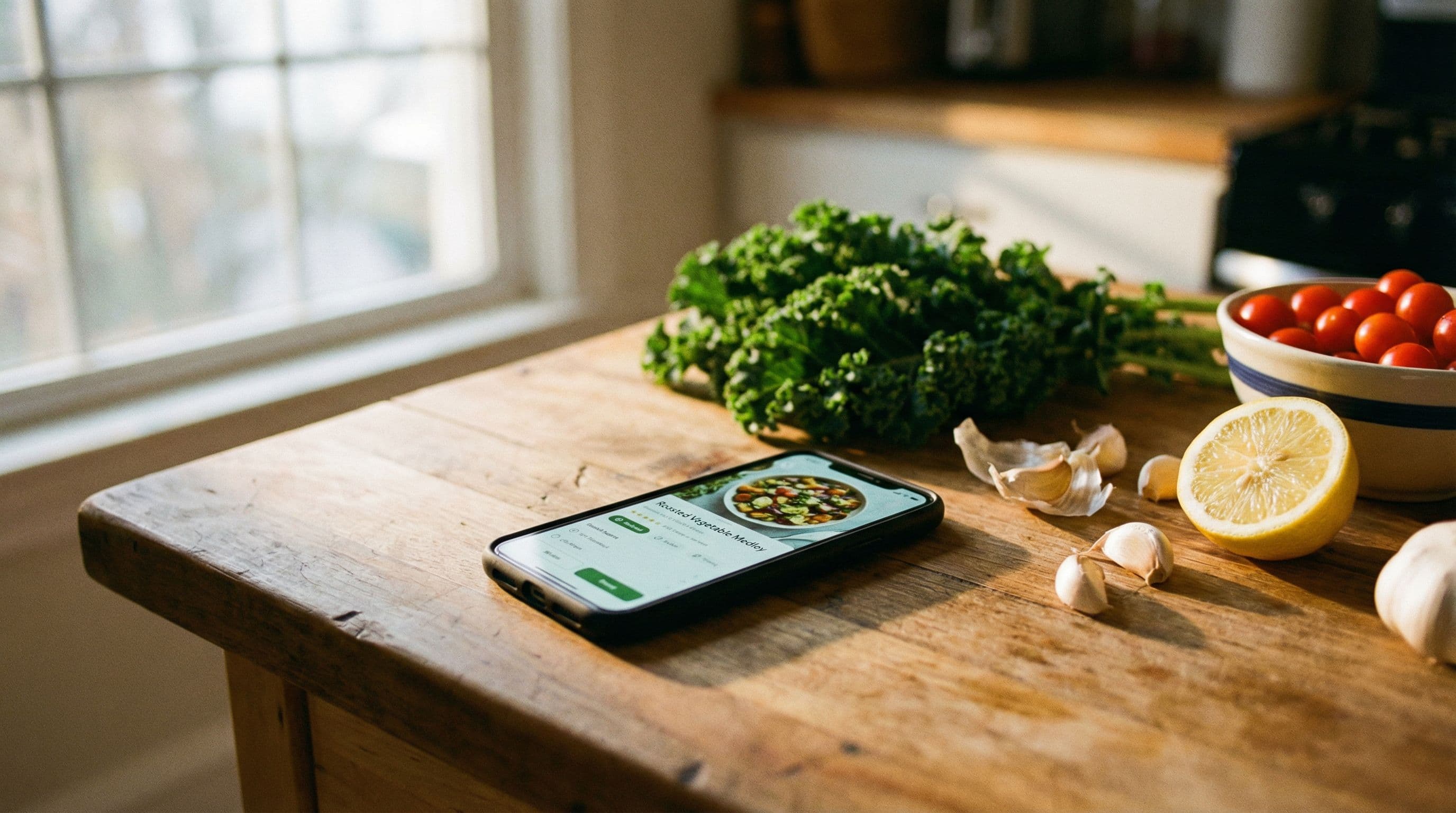
Best Ingredients to Recipe Apps in 2026: Turn What You Have Into Great Meals
Updated July 2026
You open the fridge. There’s half a block of tofu, some wilting spinach, a can of coconut milk, and leftover rice from Tuesday. Sound familiar? The age-old question — “what can I make with this?” — has finally met its match. An ingredients to recipe app takes the ingredients you enter and turns them into a cookable recipe in seconds.
This guide covers the best apps for that single moment: ingredients in, recipe out. If what you actually want is to plan your whole week around your cupboard, that’s a different job — see our ranked guide to the best pantry meal planning apps for that.
Disclosure: FoodiePrep (foodieprep.ai) is our app. It’s ranked here against the same criteria as every other option, and we’ve noted where simpler tools are the better fit.
What Makes a Great Ingredients to Recipe App?
Before diving into our picks, here’s what separates the best from the rest:
- Smart ingredient matching — Beyond exact matches; the best apps suggest recipes where you already have 80–90% of the ingredients
- Substitution suggestions — If you’re missing one ingredient, a great app tells you what to swap in
- Dietary filters — Gluten-free, vegan, low-carb — the app should respect your preferences automatically
- No re-typing — Save your ingredients so you don’t re-enter them every single time
- A path from recipe to plate — Shopping list for the gaps, and guidance while you cook
1. FoodiePrep — Best Overall
FoodiePrep is the most complete ingredients-to-recipe solution available today. Ask its culinary AI, Chef Foodie, “what can I make with chicken, lemon, and capers?” and you get an instant recipe tailored to your dietary preferences and skill level — not a keyword-matched search result.
What sets FoodiePrep apart is that it doesn’t stop at the suggestion. Chef Foodie guides you through the entire cooking process in real time: answering questions as you cook, suggesting substitutions if you’re missing something, and adjusting techniques to your skill level. It’s like having a personal chef in your kitchen at all times.
Key features for ingredient-based cooking:
- Ask-and-cook AI — Type or say what you’ve got; get a personalised recipe in seconds
- Ingredient Substitutions — Missing something? Chef Foodie suggests the best swap so you can cook without a last-minute supermarket run
- Saved ingredients — Log what you keep at home once, and recipe suggestions start from your shelves instead of a blank search box
- Smart Shopping Lists — Any missing essentials go onto an aisle-sorted list, with items you already own flagged so you don’t rebuy them
- Dietary & Allergy Support — Set your preferences once; every suggestion respects them
- Nutritional Info — Detailed breakdowns (calories, protein, carbs, fat, fibre, sodium) for every recipe
Pricing: Free on the Taster plan; unlimited AI recipe generation and detailed nutritional breakdowns on Nutrition Pro (monthly or annual)
Download FoodiePrep on iOS | Get it on Android | Use on Web
2. SuperCook — Good for Discovery, Limited Planning
SuperCook is one of the original “what can I make with these ingredients” tools. You tick off ingredients from a list and it surfaces matching recipes from across the web. It’s simple, free, and useful for quick one-off lookups.
The catch: SuperCook is essentially a recipe search engine. There’s no shopping list generation, no AI guidance, no substitutions, and no cooking assistance. Once you find a recipe, you’re on your own.
Best for: Quick, free ingredient searches when you just need a recipe idea
3. Yummly — Recipe Discovery with Basic Ingredient Search
Yummly has a large recipe database and an ingredient-based search, but it’s primarily a recipe discovery platform. The ingredient features feel bolted on rather than central to the experience, and meal planning is an afterthought.
Best for: Browsing a large recipe library with some ingredient filtering
4. Samsung Food — Large Library, Paywalled Best Features
Samsung Food (formerly Whisk) has a massive recipe database and ingredient-based search. However, the most useful features — including advanced meal planning and shopping list integration — sit behind a paywall, and the AI features lag behind dedicated tools.
Best for: Samsung device owners who want a large recipe library
5. Paprika — Great Organisation, No Ingredient Search
Paprika is beloved for recipe organisation and manual meal planning, but it has no AI and no ingredient-based recipe discovery. You save recipes manually, plan manually, and shop manually. For “what can I make with what’s in my fridge?”, it falls well short.
Best for: Power users who want full manual control over a curated recipe library
Head-to-Head Comparison
| Feature | FoodiePrep | SuperCook | Yummly | Samsung Food | Paprika |
|---|---|---|---|---|---|
| Ingredient-based search | ✅ AI-powered | ✅ Basic | ✅ Basic | ✅ Basic | ❌ |
| AI recipe generation | ✅ Chef Foodie | ❌ | ❌ | ⚠️ Limited | ❌ |
| Substitution suggestions | ✅ | ❌ | ❌ | ❌ | ❌ |
| Saved ingredient list | ✅ | ✅ Basic | ⚠️ Limited | ⚠️ Limited | ❌ |
| Smart shopping lists | ✅ | ❌ | ❌ | ⚠️ Limited | ✅ Manual |
| Step-by-step cooking guidance | ✅ AI in real time | ❌ | ❌ | ❌ | ❌ |
| Nutritional info per recipe | ✅ Detailed | ❌ | ⚠️ Basic | ⚠️ Basic | ❌ |
| Free plan | ✅ | ✅ | ✅ | ✅ | ❌ ($4.99 one-time) |
| iOS & Android | ✅ | ✅ | ✅ | ✅ | ✅ |
How to Get the Most Out of an Ingredients to Recipe App
1. Set Your Dietary Preferences Upfront
If you’re dairy-free, low-carb, or cooking for someone with a nut allergy, set those preferences immediately. Apps like FoodiePrep apply them to every suggestion automatically, so you never have to filter results by hand.
2. Use the AI for Substitutions Before You Shop
Half the battle of cooking from your fridge is missing one ingredient. Before adding it to your shopping list, ask the AI if there’s a suitable swap. Often there is — and you’ll save a trip to the shops.
3. Save Your Staples Once
The more the app knows about what you keep at home, the better its suggestions. Log your staples once so every “what can I make?” starts from reality, not a blank list.
4. Graduate From One Recipe to a Planned Week
Ingredient-to-recipe lookups solve tonight; planning solves the whole week. When you’re ready to plan meals and shopping around what you own, step up to a pantry meal planning app — or read our guide to planning meals around what you already have.
5. Use Nutritional Info to Eat Smarter
If you’re watching what you eat or following a specific diet, choose an app that shows nutritional information per recipe. FoodiePrep provides detailed breakdowns — calories, protein, carbs, fat, and more — for every AI-generated recipe.
Frequently Asked Questions
What is an ingredients to recipe app?
An ingredients to recipe app turns the ingredients you enter into cookable recipe suggestions. The best go further — offering AI-generated recipes, ingredient substitutions, dietary filters, shopping lists for the gaps, and step-by-step cooking guidance.
Which app is best for using up leftover ingredients?
FoodiePrep — its AI turns any combination of leftovers into a personalised recipe. Chef Foodie matches your skill level and dietary preferences, and suggests creative ways to use odds and ends you might otherwise throw away.
Are ingredients to recipe apps free?
Most offer a free tier, and SuperCook is entirely free. FoodiePrep’s Taster plan is free and includes core recipe saving and basic meal planning; the Nutrition Pro plan unlocks unlimited AI recipe generation and detailed nutritional breakdowns.
Can these apps handle dietary restrictions and allergies?
Yes — FoodiePrep applies your dietary preferences to every suggestion automatically. It supports vegan, vegetarian, gluten-free, dairy-free, keto, paleo, and specific allergy exclusions. Set your preferences once and every recipe respects them.
Do I need to enter my ingredients every time I open the app?
No — FoodiePrep saves your ingredients so suggestions start from what you own. You add items by typing or camera-scanning and update the list as things change; simpler tools like SuperCook ask you to tick ingredients each session.
Can these apps suggest recipes when I’m missing a few ingredients?
Yes — FoodiePrep recommends substitutions or adds the missing items to your list. Chef Foodie suggests recipes you can make with what you have, offers swaps for what you lack, and flags anything you already own so it never lands on the list twice.
The Bottom Line
If you’re tired of staring at a fridge full of ingredients and not knowing what to make, an ingredients to recipe app is a genuine game-changer. For occasional quick lookups, SuperCook or Yummly will do the job. But if you want the full journey — ingredients in, personalised recipe out, guidance while you cook, and a smart list for the gaps — FoodiePrep is in a league of its own.
Related reading
The 7 Best Recipe Apps in 2026 (Ranked and Compared)
A side-by-side comparison of the best recipe apps in 2026, covering features, meal planning, shopping lists, and what sets each apart for everyday home cooking.
Mealime Is Shutting Down: The 7 Best Mealime Alternatives (2026)
Mealime is discontinued on 21 October 2026. What the closing notice says, what to do before the date, and the 7 best Mealime alternatives ranked by how you used it.
7-Day 1800 Calorie Meal Plan (With Grocery List) — 2026
A complete 7-day 1800 calorie meal plan with per-meal calories and protein, a full grocery list, and how to generate a personalised calorie-target plan automatically.